
LuaCAD Help
Welcome to the LuaCAD help. For every function you will find an explanation with pictures and examples – from the first start to a finished pipe run.
Plug-ins
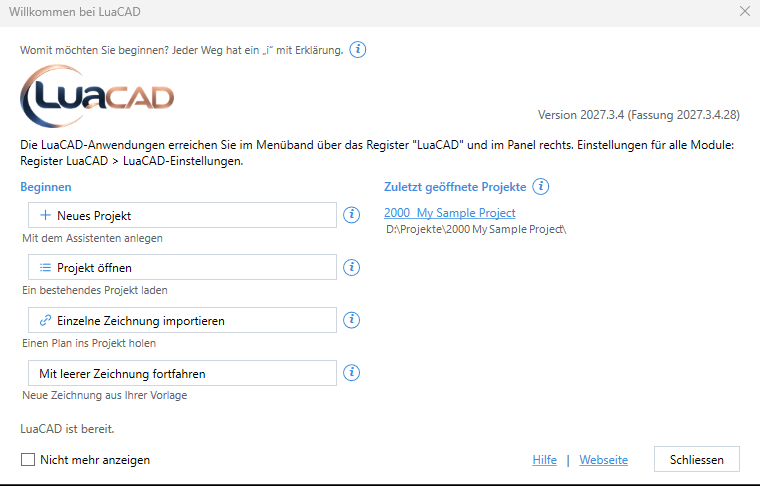 Getting started with LuaCADWelcome window, LuaCAD ribbon tab, palette, creating a project and the settings for all plug-ins.
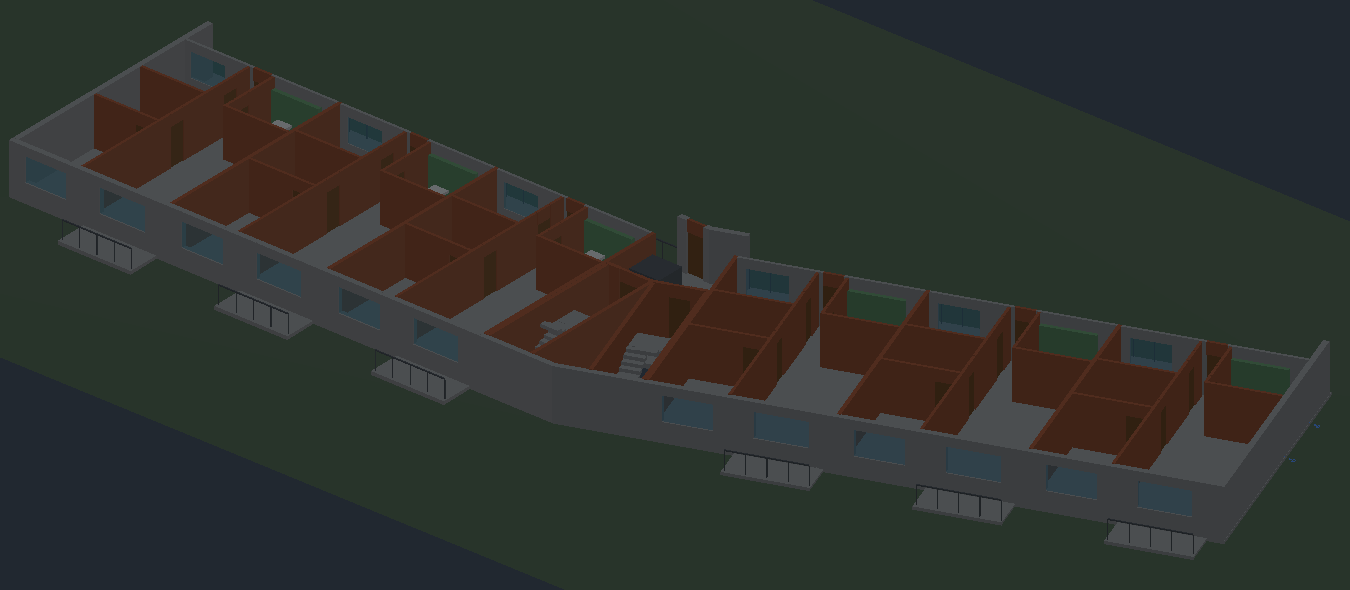 Tools for all plug-insWhat all plug-ins share – IFC import and export, clash detection, systems and layers, schedules, property fields, the level function, units and the help in the program.
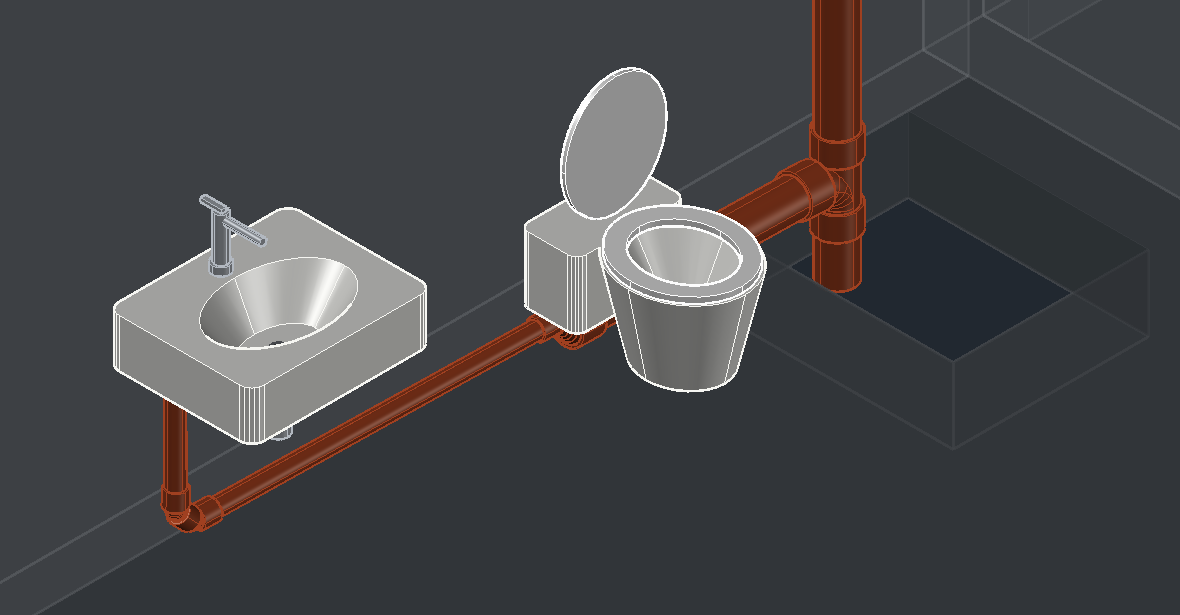 Drainage 3DDrainage in 3D – sketch drain lines in plan, generate 3D to a sizing standard with slope, in-wall carriers, fittings by hand, accessories, manholes and lists.
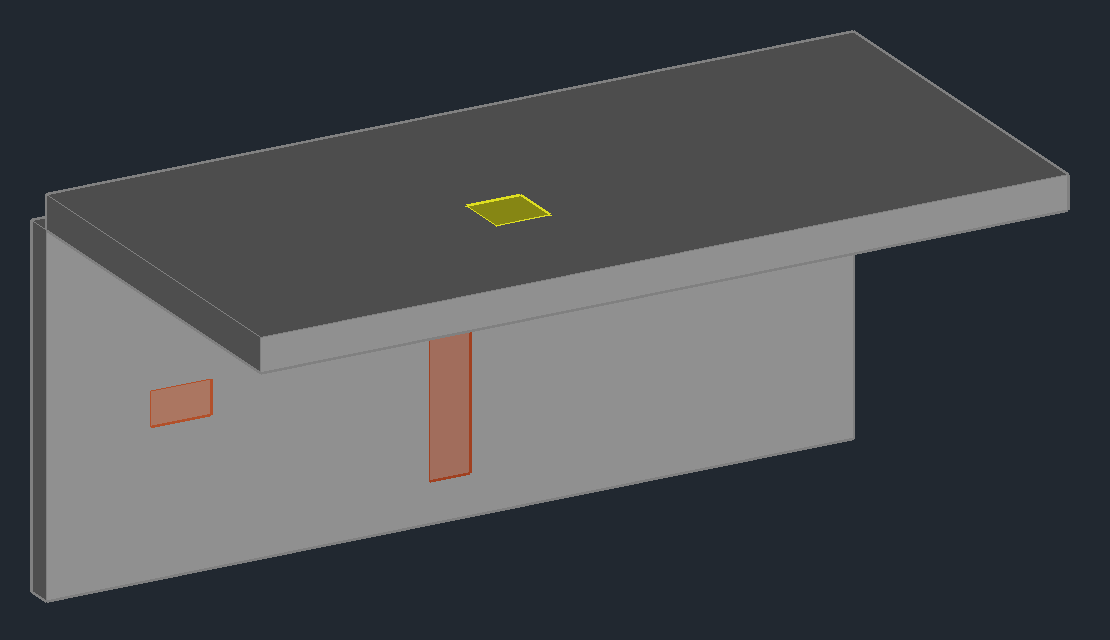 OpeningsWall and slab openings, chases, sleeves and core holes – in the plan as a 2D symbol with hatch, as a 3D solid or both as a fixed pair; with templates, sequence number, annotation, legend and opening schedule.
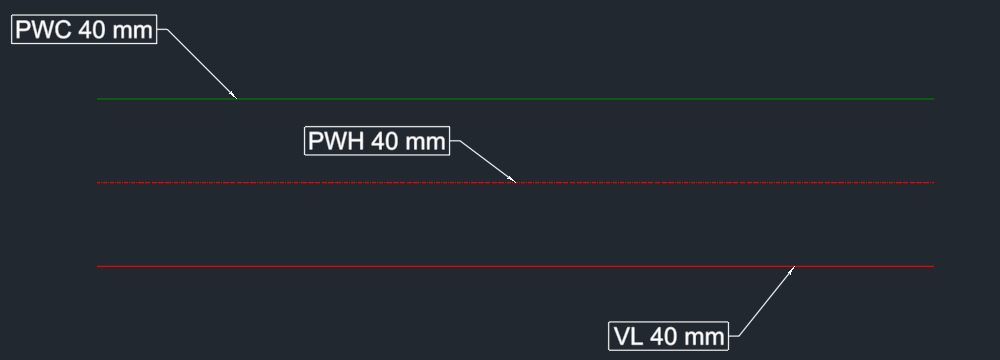 AnnotationText and spot elevations on parts of all plug-ins, on blocks and on other objects – from templates in folders per discipline, with annotation styles for the look; the annotation follows its part.
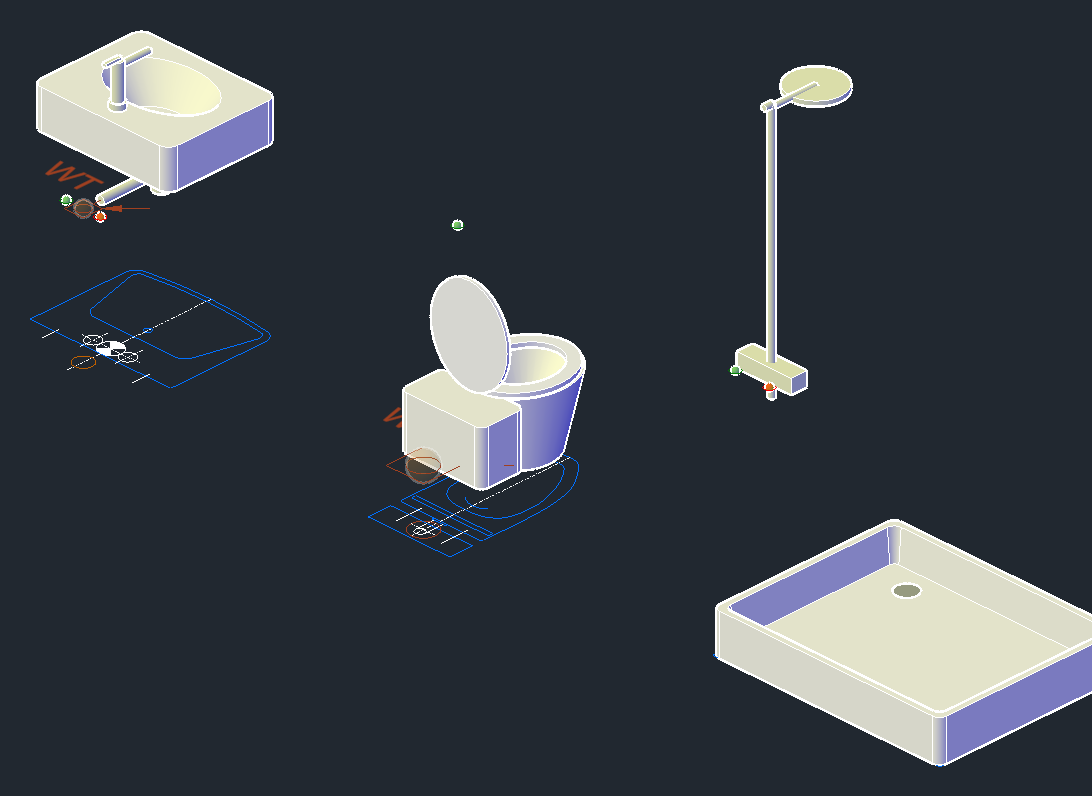 Block LibraryInsert blocks and plumbing fixtures from a library – in 2D or 3D, with properties and connectors; create your own blocks, detect fixtures in the plan, edit the blocks of a drawing together.
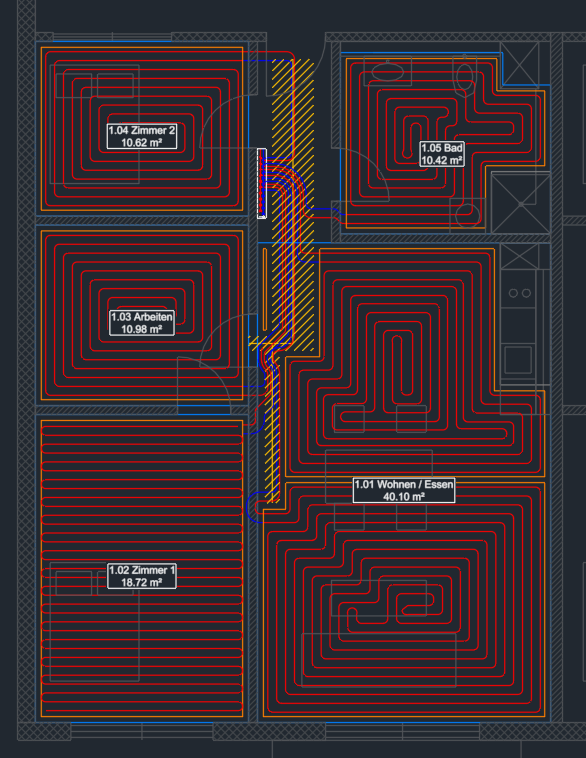 Floor HeatingFloor heating in plan view – rooms, heated areas, loops as counterflow or serpentine pattern, manifolds, leaders, room tags, loop texts and lists.
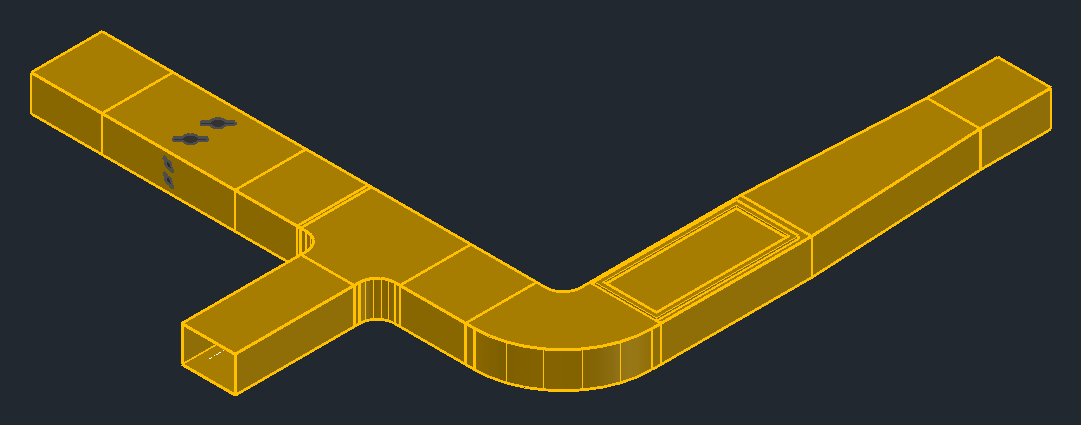 Ventilation 3DDuctwork in 3D – rectangular ducts, round ducts and flexible ducts: draw runs, insert fittings, duct accessories and products, edit them, lists and annotation.
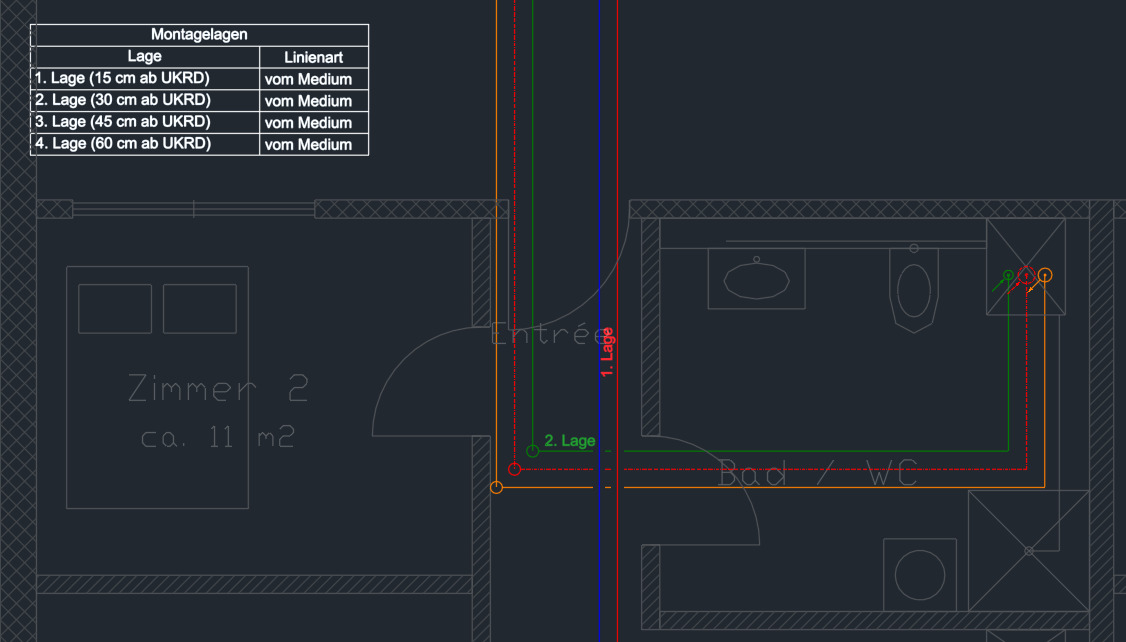 Piping 2DSingle-line pipes in plan view – with system and system elevation, crossings with a gap, elevation changes, risers, connectors, symbols, manifolds with PEX pipes, bill of materials and annotation.
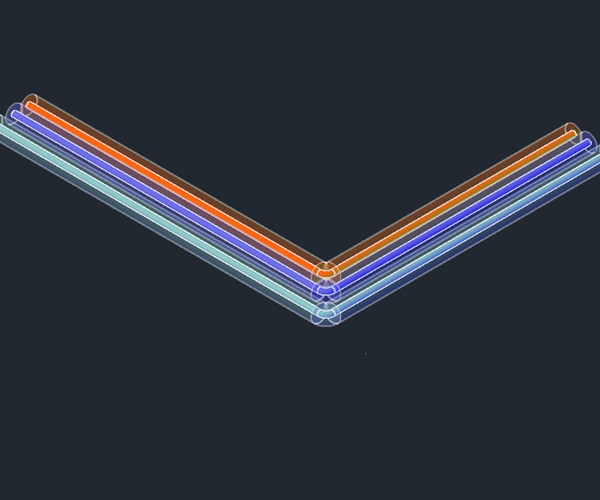 Piping 3DPiping in 3D – draw pipe runs, insert fittings and valves, risers, connectors, isometrics and lists.
Tools for all plug-ins
What all plug-ins share is described once: IFC import and export, clash detection, systems and layers, schedules, property fields, risers across levels, drawing units and the help in the program.
Finding what you need
- From overview to detail: every plug-in starts with a Quick start (a few steps with pictures), then explains the Basic concepts, describes every function in detail under Tasks and lists everything in the Reference.
- Search at the top: one or two keywords are enough, for example "parallel pipes" or "pull away".
- Contents on the left: all pages ordered by plug-in; the open page is highlighted and lists its sections.
- From the program: the "i" of a palette page or a dialog box, the insertion help and the Help button in the action bar at the cursor take you straight to the right place.
Contact
Questions and feedback: support@luacad.com.